If you are running Proxmox as the hypervisor for your homelab, most likely you are using it without a subscription – i.e. for non production use. When getting started I ran into an issue related to this.
You may see in the tasks log upon starting that a regular apt-get update failed:
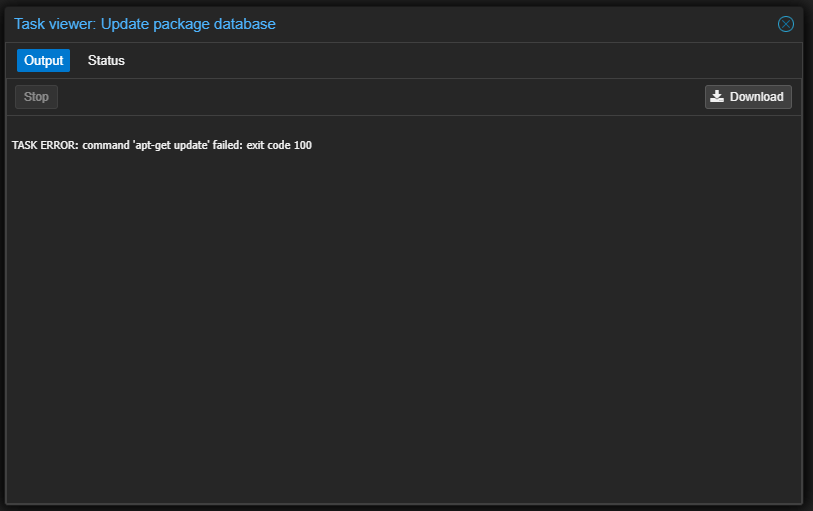
This is because the repositories are, by default, pointed to Proxmox’s “enterprise” repo URLs which are for subscription customers only. You can see the detail of the error if you run apt update in the terminal. You will see the enterprise.proxmox.com repo error out due to not having a key.
Luckily, Proxmox has repo configurations built-in to the UI, and they have the community/no subscription repos ready to go.
Go to Datacenter -> Your Host Node, then Updates -> Repositories.
Select the two proxmox origin (enterprise.proxmox.com) repos and click “Disable”.

Then click “Add” and the no-subscription repos will be available in the dropdown. You should do this for the main proxmox repo, and you can do it for the Ceph repo if you want to use that.

Click Reload.
If you go back and run an apt update it should work without error.
 Dylan Projects